Clear page typography
Read wiki content in a restrained layout with Poppins typography, generous spacing, and a defined content column.
A clear workspace for connected knowledge.
GraphWiki Skin gives MediaWiki a consistent reading and editing workspace, with Poppins typography, clear navigation, and page controls that stay close to the content.
Read wiki content in a restrained layout with Poppins typography, generous spacing, and a defined content column.
Keep read, edit, history, watch, and other available page actions together while preserving MediaWiki’s native links and permissions.
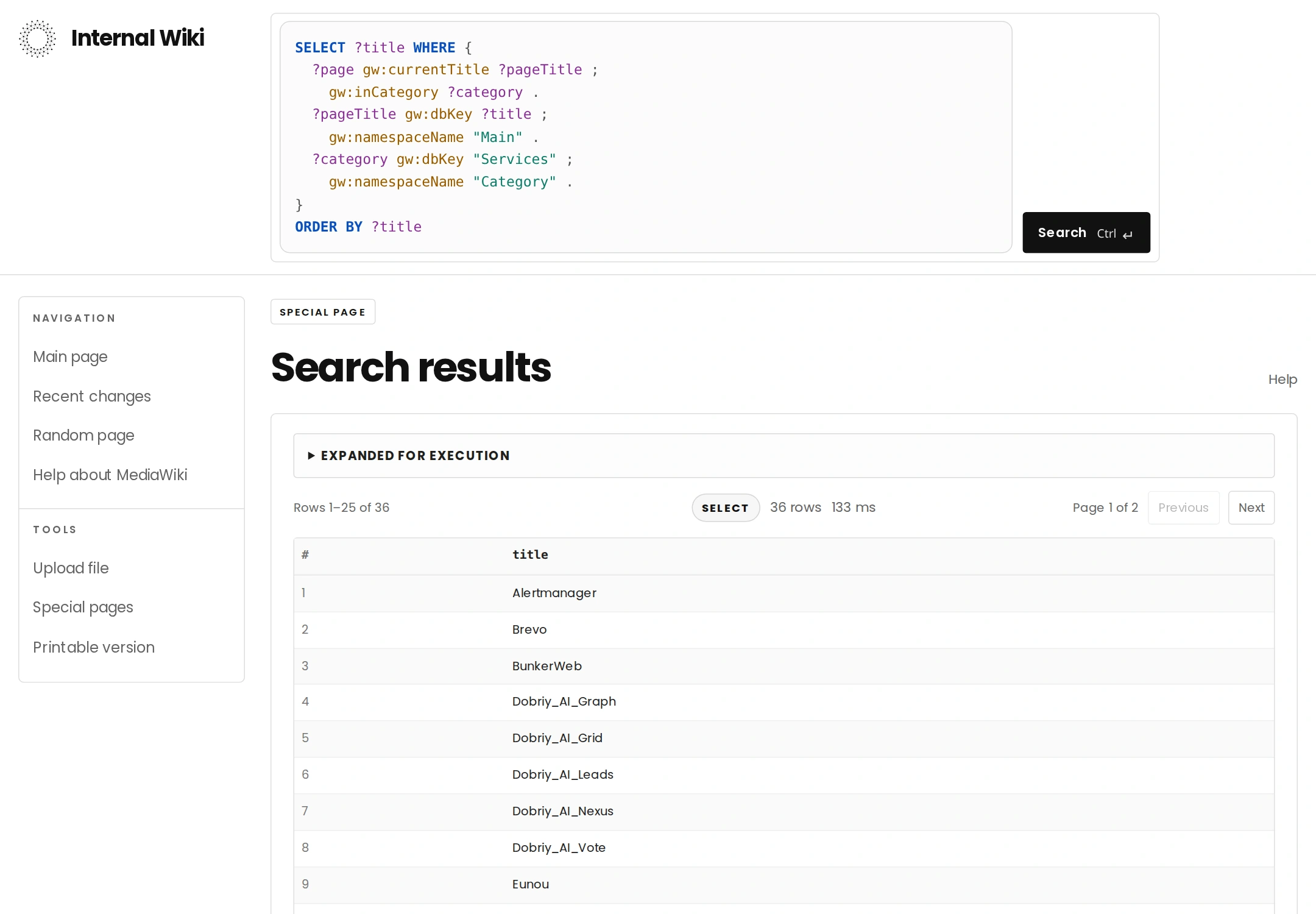
Keep the search field and account menu aligned with the content, including an expanded SPARQL editor when GraphWiki is installed.
Display a site name and logo, choose a custom header mark, or use a text-only header.
Keep desktop navigation alongside the content and adapt the workspace and page controls to narrow screens.
Present GraphWiki’s statements, graph views, and agent conversation in a consistent interface when those extensions are installed.
Install the skin in MediaWiki’s skins directory. Its assets are self-contained, so GraphWiki is not required to use the reading and navigation layout.
Clone the canonical repository into skins/GraphWikiSkin using your GitLab access.
git clone https://git.dobriy.ai/semantic/graphwiki-skin.git skins/GraphWikiSkinAdd the skin to LocalSettings.php and use its registered name for the default.
wfLoadSkin( 'GraphWikiSkin' );
$wgDefaultSkin = 'graphwikiskin';Optionally point the header at your own logo. Set GraphWikiSkinShowLogo to false for a text-only header.
$wgGraphWikiSkinShowLogo = true;
$wgGraphWikiSkinLogoUrl = 'https://your-wiki.example/path/to/logo.svg';Confirm the skin appears in Special:Version. Check reading, editing, navigation, and account controls at desktop and phone widths. No skin-specific database migration is required.